
HOME
James Wanless - Speaker, Author, Teacher and Creator of Best-Selling Voyager Tarot
Pick a card a day and change your life!
Voyager Tarot shows you how to activate Your Intuition to create success in every area of your life. This revolutionary decision-making tool can help you navigate life, enhance your business, build healthy relationships and discover your True Self.

Learn how to use Voyager Tarot to
Transform your Life!
The creator of Voyager Tarot, Dr. James Wanless, teaches you how to read Voyager Cards to coach yourself and others.
“…One of the great decks of all time.”
- Tarot Network News
“An evolutionary leap for tarot!” - Gail Fairfield, author of Choice Centered Tarot
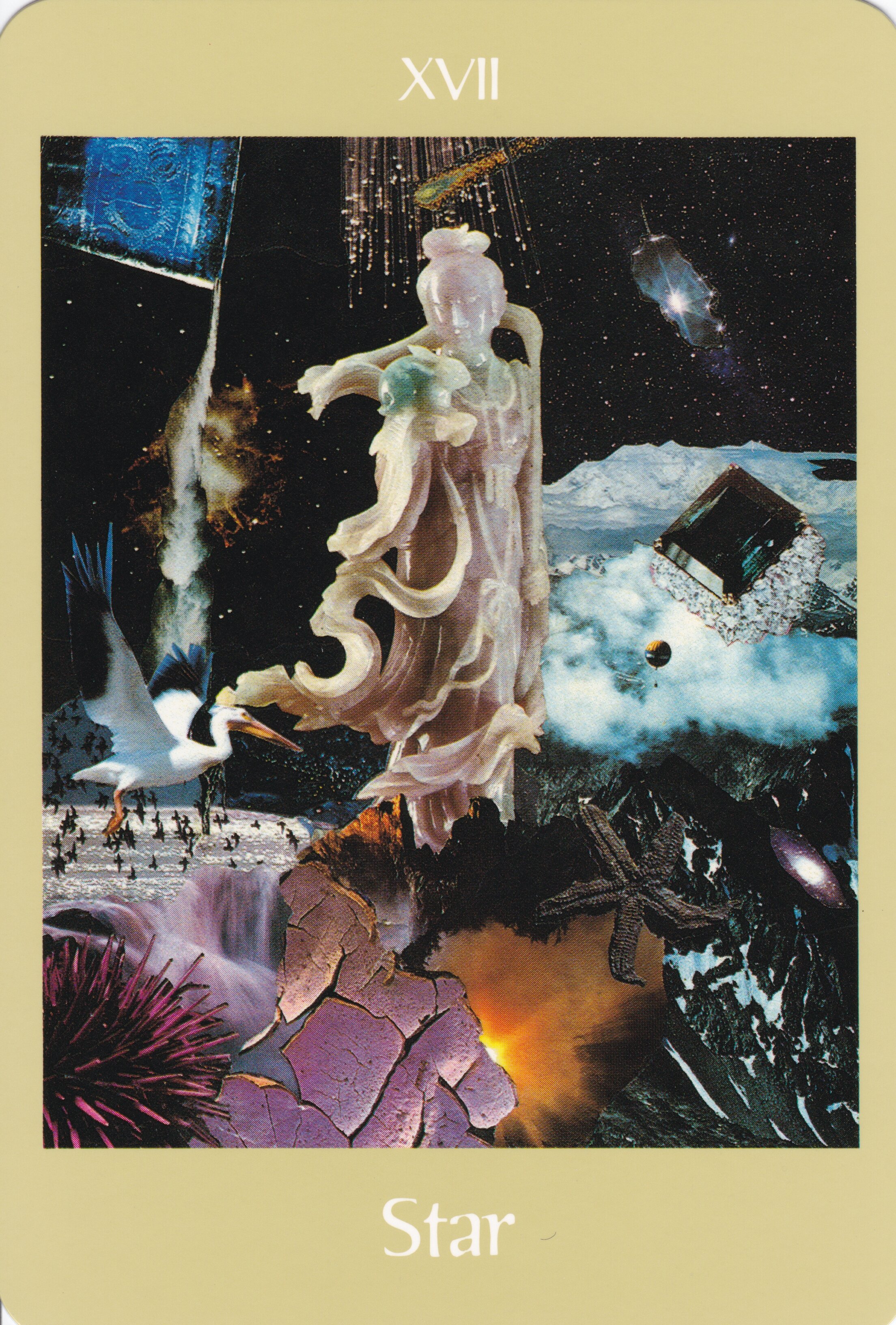
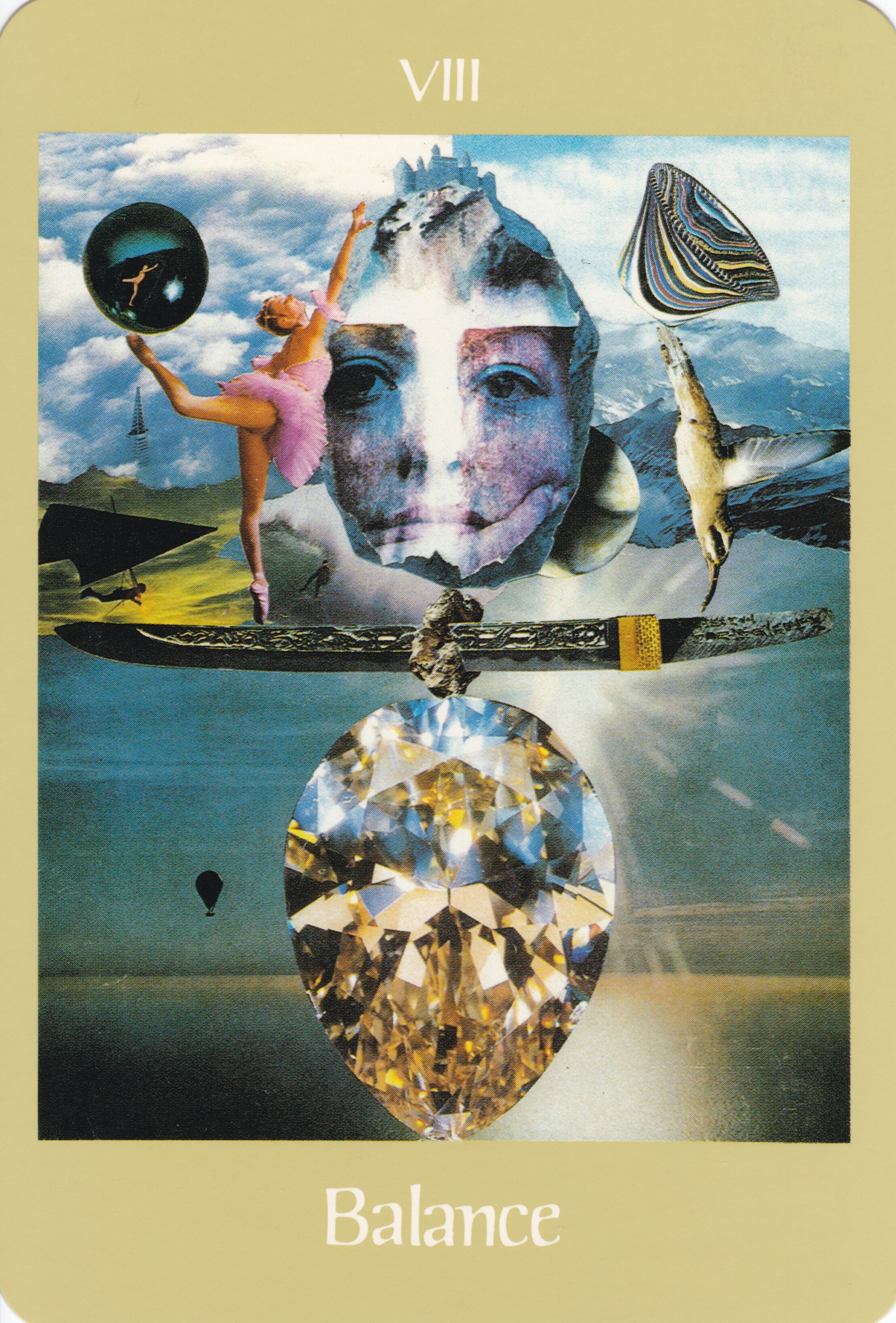

“The Voyager Oracle is for “voyagers,” seekers of the truth. The truth is that we are multifaceted. Oracles give us a window for looking at ourselves.
We use oracles outside of ourselves to recall the great oracle within.”
Oracles are a time-honored way of understanding ourselves as a microcosm of the universe. Through their symbolic way of telling this truth, they give us a way for “getting it all,” for realizing the universe of riches that each of us possesses. Oracular symbols are powerful catalysts and motivators.
A perceptive and creative intuitive, James Wanless gives you the insight, power, tools and map to create your future. His Readings are guaranteed to be motivating and entertaining as you journey into your inner universe through the worlds of Voyager Tarot.
Become Your Own Oracle
〰️
Become Your Own Oracle 〰️

ORDER YOURS TODAY ON AMAZON!
Praise for Voyager Tarot …
”The genius of this book is in the methodology called “The Seven Steps of Power,” which enables you to discover, trust, and implement your own oracular nature by reclaiming personal visionary and intuitive capacities. Wanless again pioneers ways that demonstrate how symbols can be used to empower human capacities and optimum performance …”
Angeles Arrien
Author of Tarot Handbook: Practical Applications of Ancient Visual Symbols
“Symbols are messengers of the spirit, and Voyager Tarot: Way of the Great Oracle is a modern message of symbols to seekers everywhere. Symbols take us into the “sacred dream wheel” of the unconscious. Here, in the spirit or infinite void, we become whole. Healed and empowered by the experience, we transform ourselves and our planet. It is vital that we return to the “way of the shaman.” Voyager Tarot offers such a way through the world of symbols.”
Lynn V. Andrews
Author of “Medicine Woman” and “Teachings Around the Sacred Wheel: Finding the Soul of the Dreamtime”
THE ORACLE FOR THE 21ST CENTURY …
VOYAGER IS A TIMELESS SYMBOLOGY BEYOND ANY TAROT DECK
“The psychological mechanism that moves energy is the symbol.”


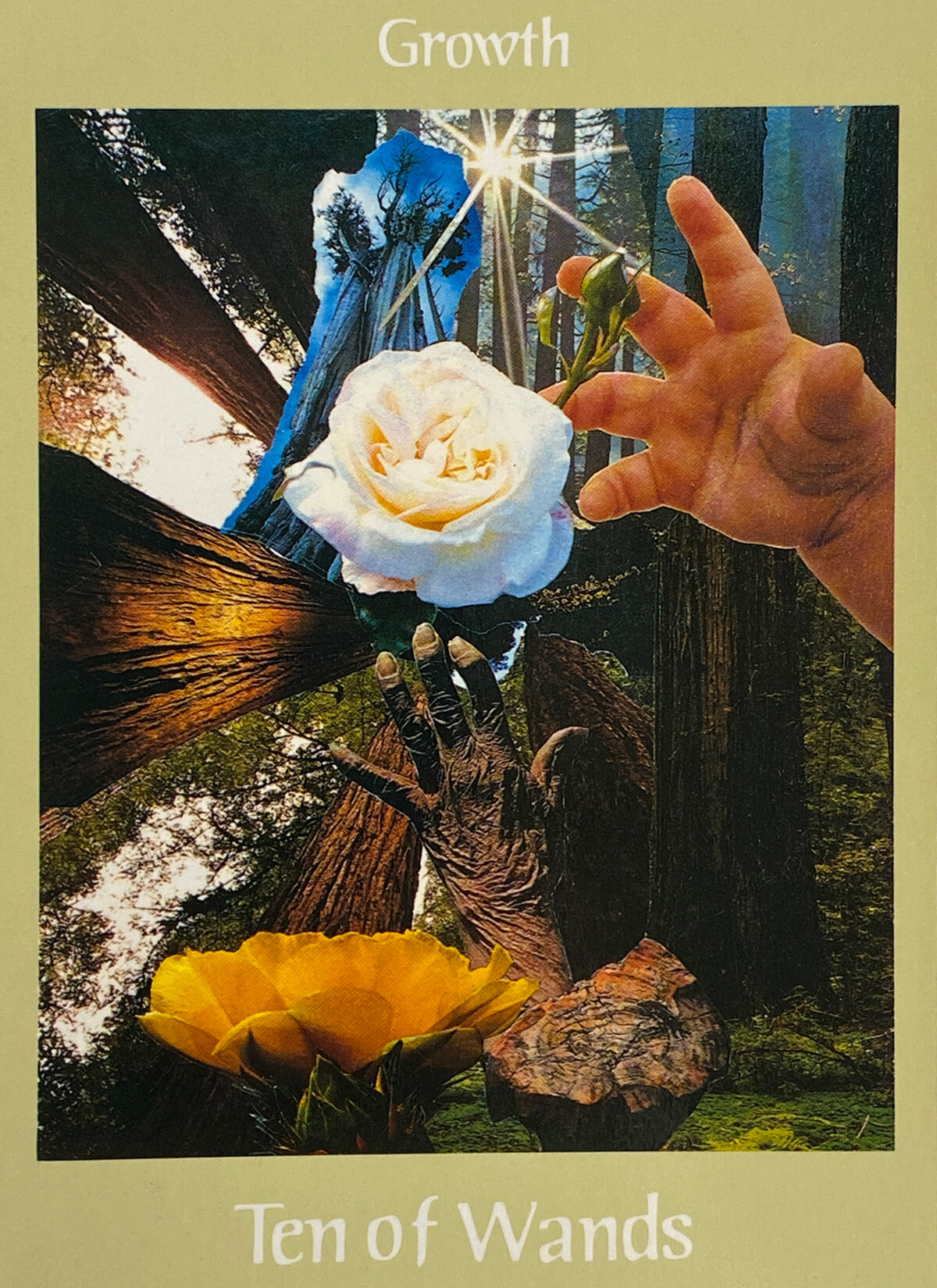
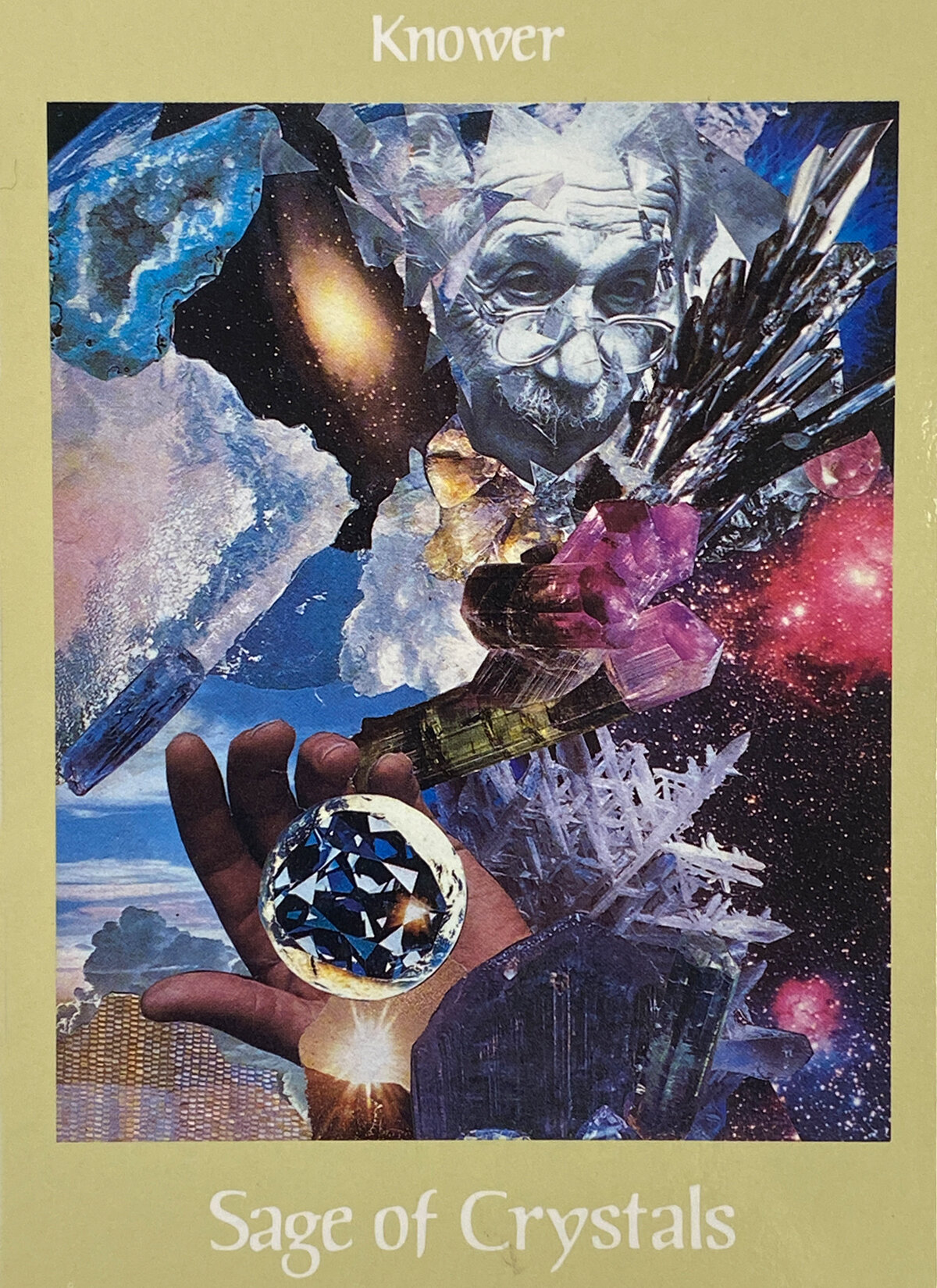
“All good things come from living intuitively.
To follow that feeling inside of us we call our intuition is really the only way to fulfill our highest aspirations and deepest needs.”
